Motivations
Heroes of Might and Magic III is one of the best games of all times, not only by completely addictive gameplay, but also beautiful soundtrack, perfectly fitting the theme of managing kingdom and running errands to complete the map goals.
To me, it also is the to-go soundtrack to play during long DnD sessions, or while playing tabletop version of Talisman. Playing the OST from YouTube has obvious drawbacks: ads and less-than-perfect skipping to the specific entry, which involves a loading delay.
Then, the first solution comes: https://homm3musicplayer.ovh/, made by Piotrek, another polish fan. Dedicated HoMM3 OST player, with has great visuals and instant loading (also offline play!). However, it still isn't what I wanted - it doesn't show which song is playing, has only one repeat mode, and you can only pick between Fight and Exploration modes. So, on a free weekend, I've decided to have some fun.
Design & Interface
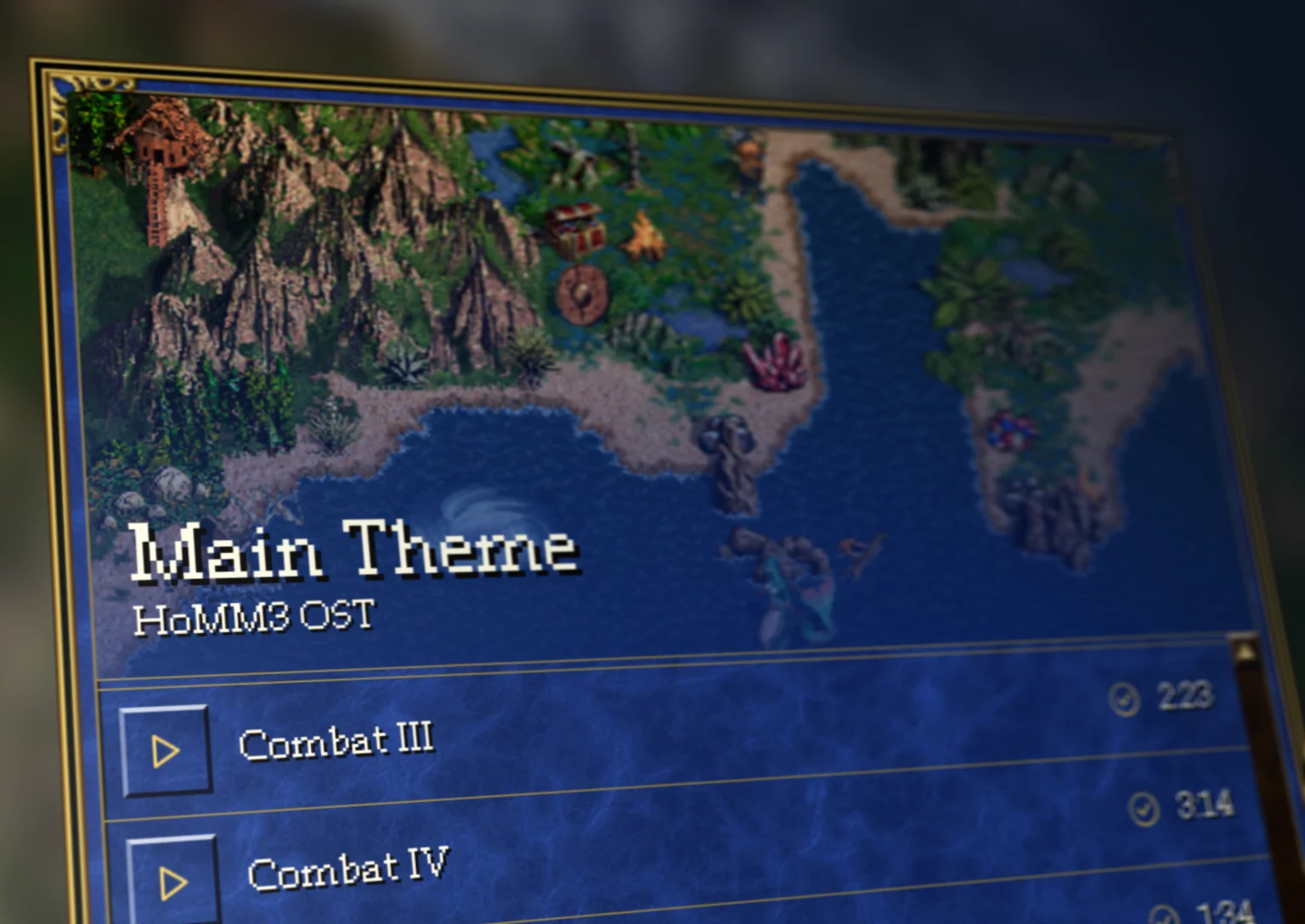
First, I've decided to shamelessly re-use the background image (made by cool1pivoter on DeviantArt), as HoMM3 community truly lacks in the space of maps-as-backgrounds (although that changed when I created a map-based wallpaper generator). Second step was for the GUI to be as close to the in-game one as possible, which proved slightly more complicated that one might think.
In future-proofing effort, main component (which is the window) was made generic enough to be easily reused for any sort of alerts / notifications / settings. Those never came to be, as I really wanted this to be opinionated experience. I had great fun extracting in-game assets and combining them using CSS "border-image" goodies though.
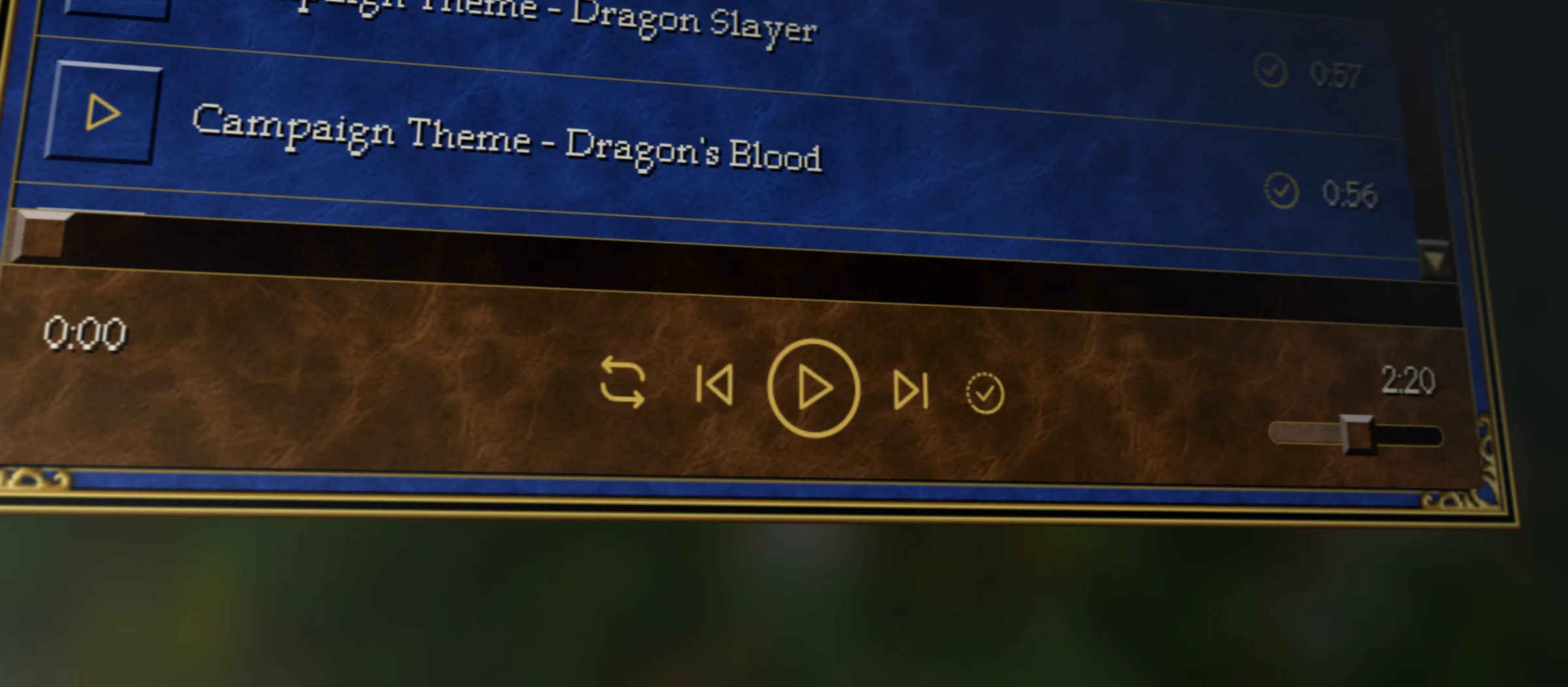
Next came the audio player styling. I've decided to go with simple SVG icons, as chonky HoMM3-like buttons would make this area a bit busy. With a goal of having the UI be as in-game like as possible, a lot of effort came into the polishing the progress and volume bars to behave and look the same across Chrome and Firefox. Unfortunately the same can't be said about playlist scrollbar - while it looks fine in Chrome, it's still the default one in Firefox.
canvas.width = rect.width * fontScale;
canvas.height = rect.height * fontScale;

canvas.style.width = `${rect.width * fontScale}px`;
canvas.style.height = `${rect.height * fontScale}px`;

ctx.imageSmoothingEnabled = false;

const scale = Math.round(devicePixelRatio) / devicePixelRatio;
The final step for the design side of things was getting the font. One might assume that would as easy as just getting font file from the game - if only the game had the usual font file. In this case, it was a bitmap font. Basing on a letter mapping from lehazyo I've wrote my own engine of letter rendering. Given that I had no requirement of making it support multiline and justification, the implementation was extremely simple, however I've spent a lot of time around Canvas API, to make sure the text is both high-res and properly game-like pixelated on regular and high-density displays. The above snippet is the final solution I've used the prevent the characters to display with weird, 1.5x wide pixels.
User Experience
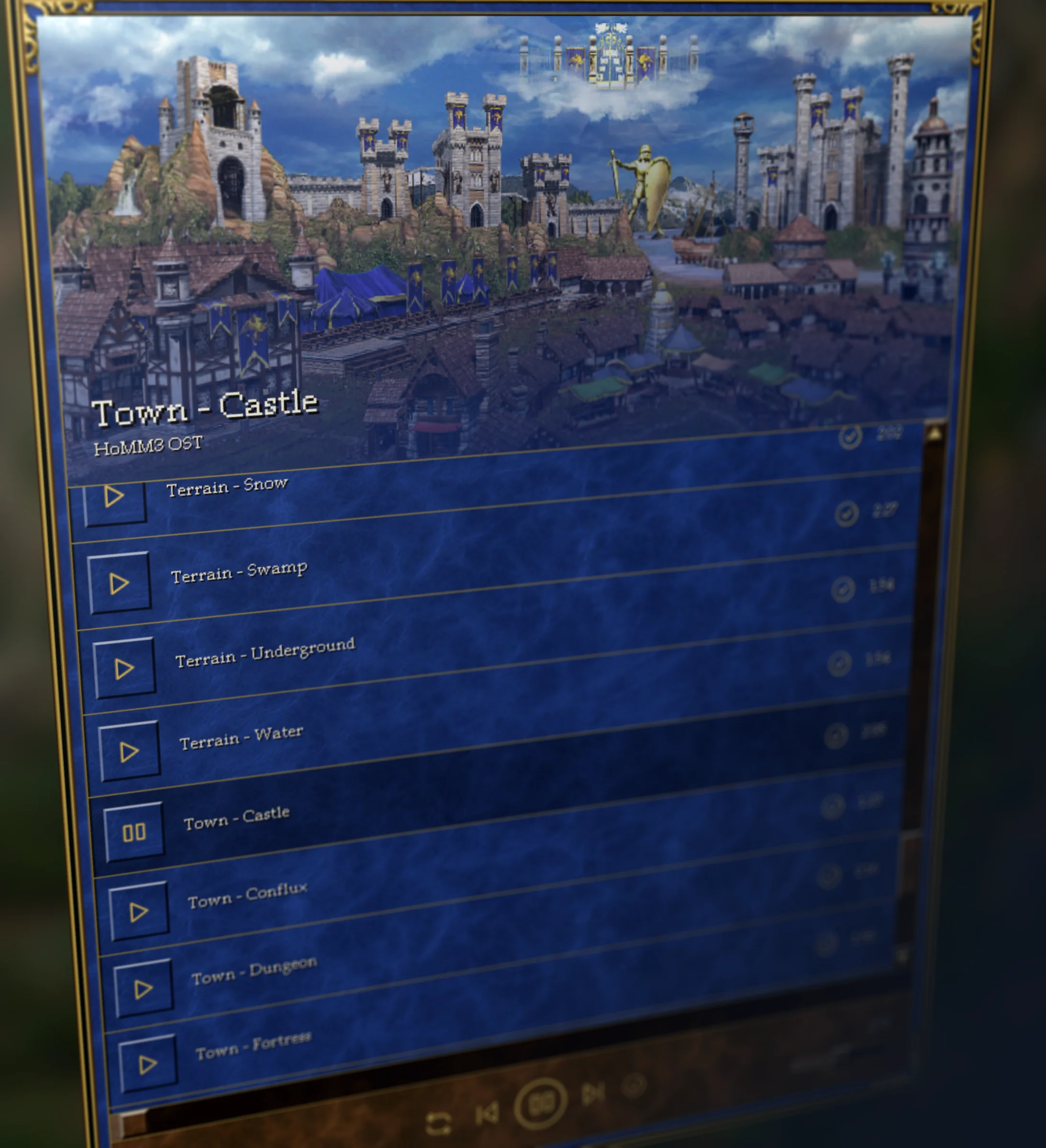
Given that it is very much a passion project, I've showed it to my friends as soon as possible, because even if it looks good and 90% is already behind me, polishing the UX is the other 90% of work. First, most requested feature, was loop mode, that could be turned off, looping the whole playlist or single entry. This improved also my enjoyment of the project, as it now often plays without a stop throughout my work day.
Next came the ability to use the app offline. With a quick re-use of my past implementations of service worker and small manifest.json I've turned the project into the PWA. Each song upon loading is then saved into the memory, so every song will be downloaded only once, and then played back even when offline. For convenience I've also added "Download" / "Download All" buttons, to quickly preload the whole OST.
Final touch came when I've noticed its not possible to control the media player through the device controls - whether it is notification area on the phone, or hotkeys on the PC. Thankfully, Media Session API is supported enough for the integration to be a breeze. So now the device can control volume, skipping and pausing the player natively.